GiveWP vs. DST Donate Pro: Which WordPress Donation Plugin Should You Choose?
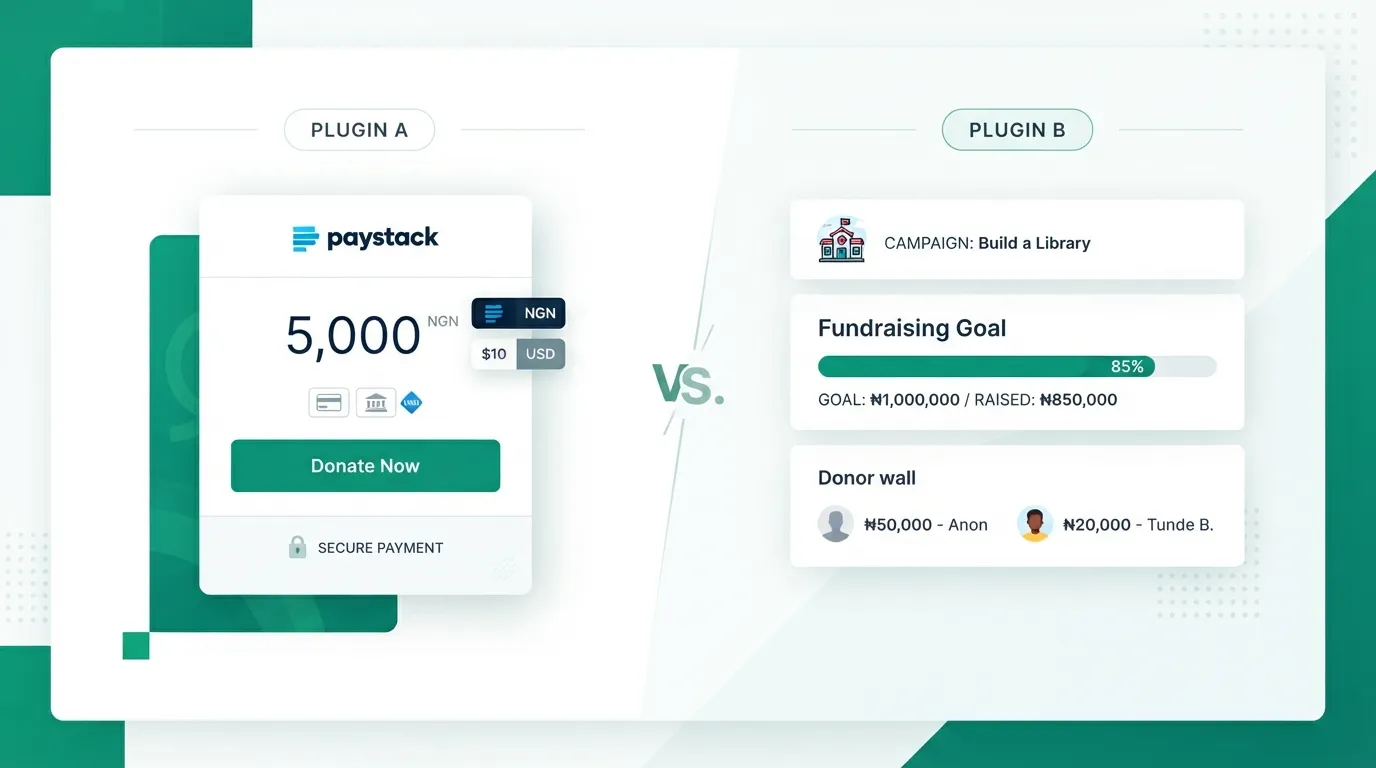
Article image: GiveWP vs DST Donate Pro WordPress donation plugin comparison showing Paystack checkout and fundraising dashboard
If you run a nonprofit, church, school, or community initiative on WordPress, GiveWP is usually the first fundraising plugin you hear about. It is well-established, feature-rich, and widely used across North America and Europe. However, once organisations in Nigeria, Ghana, Kenya, or South Africa install it, they quickly run into friction: steep USD annual pricing, heavy plugin bloat, and the need for third-party add-ons just to connect local payment gateways.
DST Donate Pro was built from the ground up to solve that exact problem. Here is how GiveWP and DST Donate Pro compare across setup, payments, features, and total cost of ownership.
Quick Comparison: GiveWP vs. DST Donate Pro
|
Feature |
GiveWP |
DST Donate / DST Donate Pro |
|
Native Paystack Integration |
Requires third-party add-on |
Built-in natively (Free & Pro) |
|
Supported Currencies |
USD-centric setup |
NGN, GHS, KES, ZAR, and USD out of the box |
|
Payment Verification |
Standard gateway callbacks |
Double verification (webhook + server-side check) |
|
Recurring Donations |
Paid add-on / Plus plan |
Included in DST Donate Pro via Paystack plans |
|
Donor Fee Recovery |
Paid add-on / Plus plan |
Included in DST Donate Pro |
|
SMS & WhatsApp Receipts |
Not native |
Built-in (bring your own provider keys) |
|
Page Builder Support |
Shortcodes & Blocks |
Shortcode, Gutenberg Block & native Elementor widget |
|
Platform Commission |
0% (on paid plans) |
0% on both Free and Pro |
1. Payment Gateway Reliability and Local Currency Support
GiveWP was engineered around Stripe and PayPal. Connecting Paystack requires installing separate third-party bridge plugins that often lag behind core updates.
With DST Donate, Paystack is the core engine. Donors complete payments on Paystack's secure hosted checkout via card, bank transfer, USSD, mobile money, or QR code. Even better, DST Donate uses a two-step verification architecture: a signature-verified webhook paired with an independent server-side verification check. If a donor closes their browser tab immediately after paying, the gift is still captured and logged accurately.
2. Features Built for Real-World Fundraising
Upgrading to DST Donate Pro unlocks the exact toolkit modern fundraising teams need without forcing you to buy separate add-ons:
- Recurring Giving: Set up weekly, monthly, and yearly giving powered directly by Paystack subscription plans.
- Fee Recovery: Let donors opt in to cover transaction processing fees so your organisation receives 100% of the intended gift.
- Offline Donations: Record cash, cheque, and direct bank transfer gifts alongside online donations so your campaign progress bars stay accurate.
- SMS & WhatsApp Messaging: Send instant thank-you messages and follow-ups using your own SMS or WhatsApp provider keys, meeting donors on the channels they actually read.
3. Performance and Security
GiveWP loads multiple scripts, styles, and database tables that can slow down shared hosting environments. DST Donate is lightweight, keeps your Paystack secret keys encrypted at rest, and never stores sensitive card details on your WordPress server.
The Verdict
Choose GiveWP if your donor base is exclusively in the US or Europe and relies on Stripe, PayPal, or US-specific CRM integrations. Choose DST Donate Pro if you want a fast, secure WordPress donation plugin with native Paystack support, multi-currency giving across Africa and beyond, and all Pro fundraising tools bundled under one straightforward annual licence.
Get started for free with DST Donate on WordPress.org or explore DST Donate Pro.