
WP Charitable vs. DST Donate Pro: Which Zero-Fee Donation Plugin Wins?
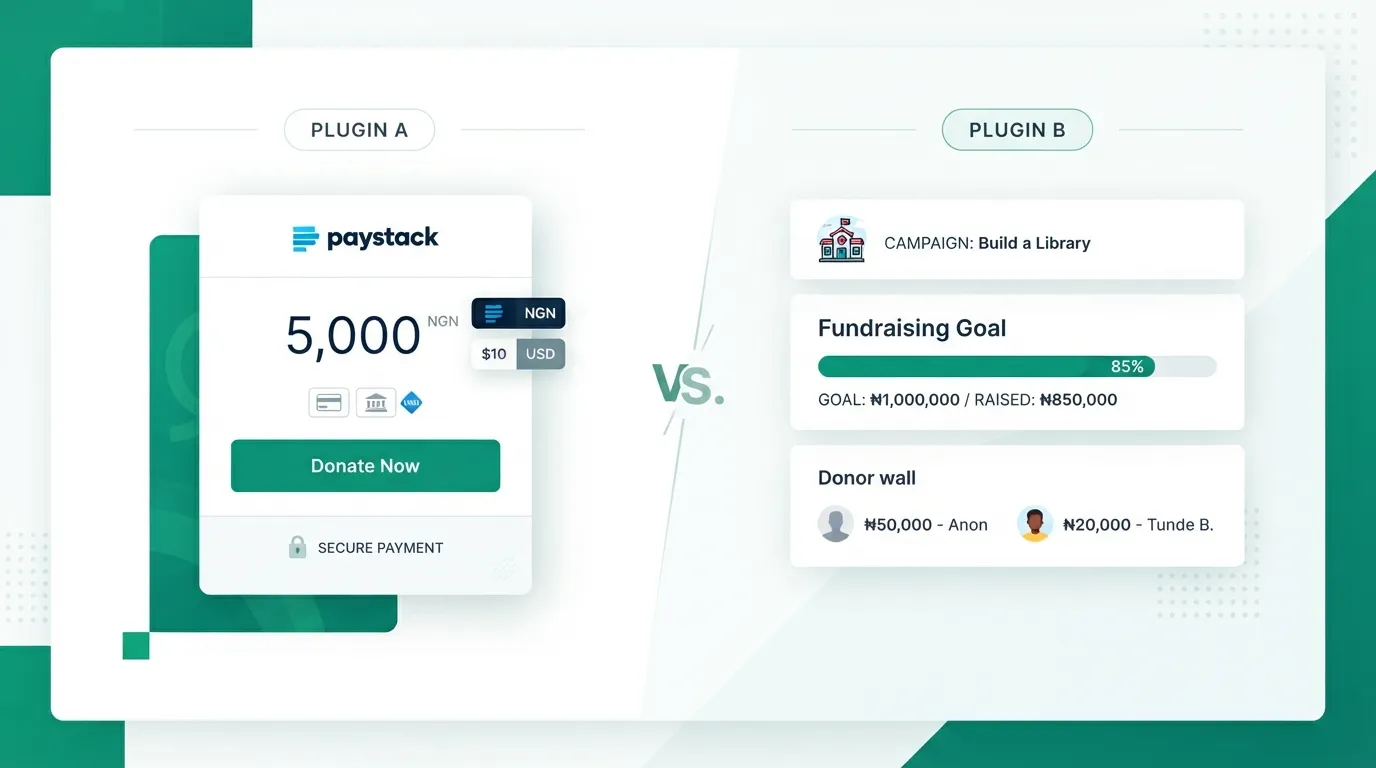
Article image: WP Charitable vs DST Donate Pro feature comparison highlighting zero transaction fees PDF receipts and WhatsApp donor alerts
Both WP Charitable and DST Donate Pro share a core philosophy: fundraising software should never take a percentage cut of your donations. When someone donates ₦50,000 or $100 to your cause, the only fee deducted should be your payment processor's standard rate.
Beyond that shared principle, the two plugins serve very different workflows. Here is a practical breakdown to help you decide which one fits your WordPress site.
Where WP Charitable Excels
WP Charitable has been in the WordPress repository for years and offers a polished campaign builder. If you are raising money primarily through Stripe or PayPal and want peer-to-peer fundraising or ambassador campaigns, Charitable has mature extensions for those workflows.
Where DST Donate Pro Takes the Lead
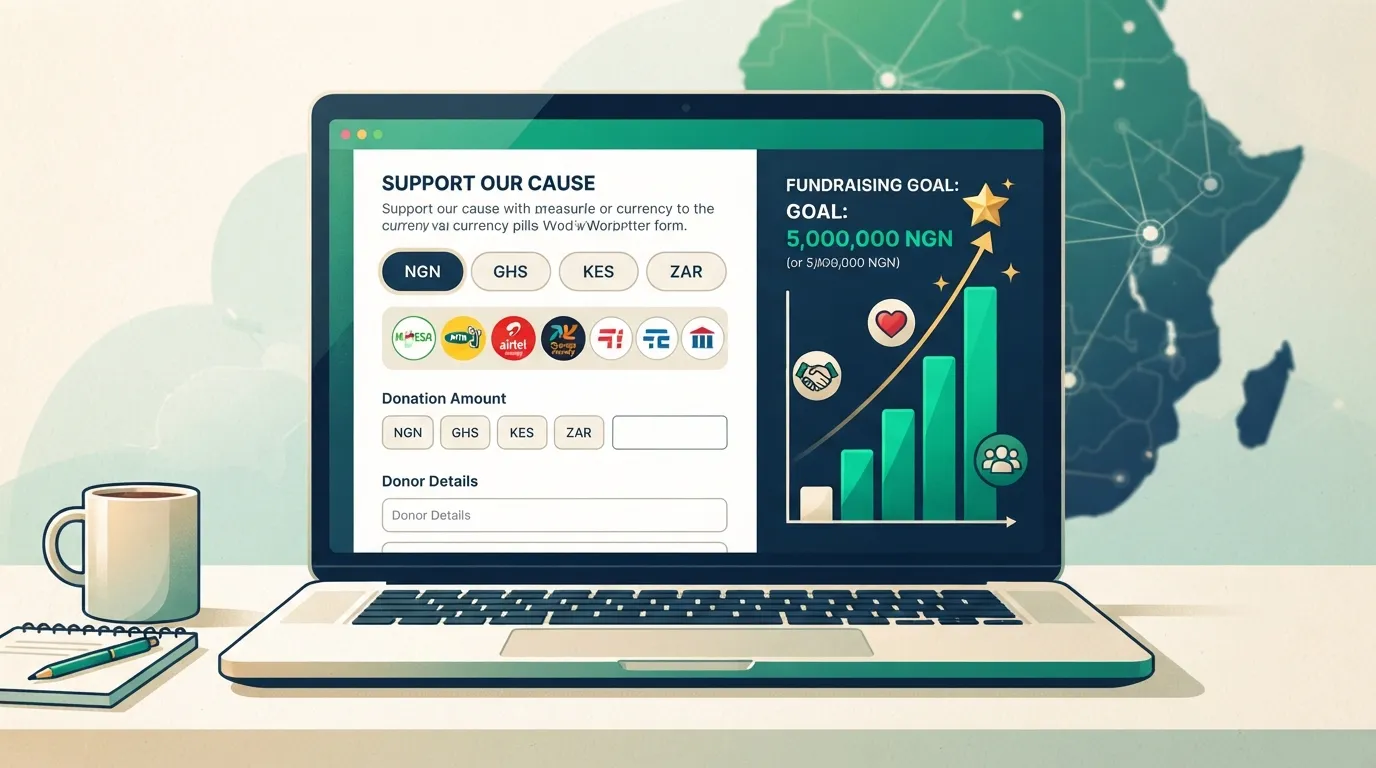
- Out-of-the-Box Paystack & Multi-Currency Checkout: Charitable relies on PayPal and Stripe natively; connecting Paystack requires installing and maintaining an external bridge plugin. DST Donate connects directly to your Paystack account in under five minutes. Donors can give in NGN, GHS, KES, ZAR, or USD using cards, bank transfers, USSD, or mobile money.
- Double-Verified Payment Security: Network drops happen. DST Donate protects your organisation against lost transaction logs by confirming every gift twice: once via a signature-checked webhook and again through an independent server-side API check. Your Paystack secret key is also encrypted at rest inside your database.
- Built-In SMS and WhatsApp Donor Retention: Email open rates for nonprofit receipts can be unpredictable. DST Donate Pro includes native SMS and WhatsApp messaging using your own provider API keys, letting you send immediate, high-trust thank-you messages right after a gift clears.
- Elementor-Ready Design & Custom Branding: Both plugins work with shortcodes and Gutenberg blocks, but DST Donate includes a dedicated Elementor widget out of the box. With Pro, you can customise brand colours, corner radius, preset amounts, and custom CSS per campaign form so every fundraising page matches your brand.
Feature-by-Feature Breakdown
|
Capability |
WP Charitable |
DST Donate Pro |
|
Platform Transaction Fees |
0% |
0% |
|
Direct Paystack Integration |
No (third-party required) |
Yes (native) |
|
Elementor Widget |
Limited/third-party |
Native widget included |
|
Recurring Subscriptions |
Paid plan |
Included via Paystack plans |
|
Custom Donor Fields & Tributes |
Paid plan |
Included |
|
Configurable PDF Receipts |
Paid plan |
Included |
|
SMS & WhatsApp Notifications |
No |
Included |
Which Should You Install?
If you need Stripe-based peer-to-peer fundraising for a US charity, WP Charitable is a strong contender. If you accept donations via Paystack, want native Elementor support, or need automated PDF receipts, recurring plans, and SMS/WhatsApp follow-ups without paying for a bloated software bundle, DST Donate Pro is the sharper, leaner choice. You can test the core experience right now with the DST Donate 14-day free trial.